


No picture, a flickering image, or a cable that only works if you hold it at the right angle — HDMI port problems are one of the most common console issues we see, and one of the most misunderstood. Here's what's usually going on.
Most "dead" consoles with no picture aren't dead at all — it's a worn or damaged HDMI port, not the console itself.
HDMI ports take a lot of physical stress. Every time a cable is plugged in, unplugged, or the console gets moved or bumped with a cable still attached, it puts strain on the tiny pins and solder joints inside the port. Over time that can bend pins, crack the solder connecting the port to the motherboard, or loosen the port itself so the connection only works intermittently.
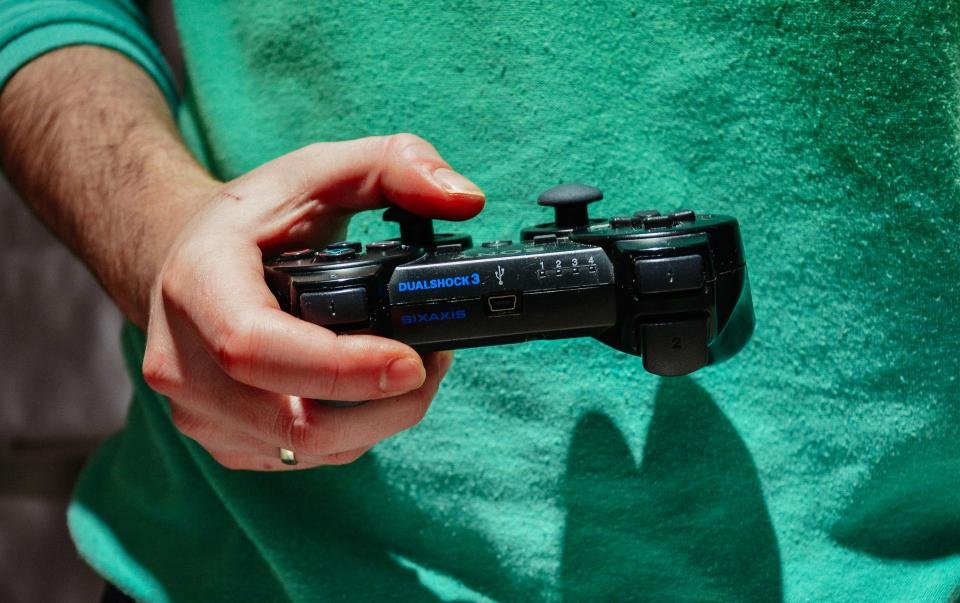
What to check before booking a repair
Before assuming the worst, try a different HDMI cable and a different port on your TV — a bad cable or TV-side port causes the exact same symptoms as a console problem. If the issue follows the console across different cables and TVs, that points to the console's HDMI port itself, which usually means a full port replacement rather than a simple fix. That's a job for proper tools and a steady hand, not a DIY repair — bring it in for a free diagnostic and we'll confirm exactly what's wrong before any work begins.









Leave a Comment